Vendor IDs & Management
Find vendor IDs to create offers. Click "Copy ID" to copy the vendor ID.
📝 How to Create an Offer:
- Find the vendor you want to create an offer for in the list below
- Click the "Copy ID" button next to the vendor name
- Go to Dashboard → Data → Offer → Create New
- Paste the copied vendor ID in the
vendor_idfield - Fill in the offer details and save!
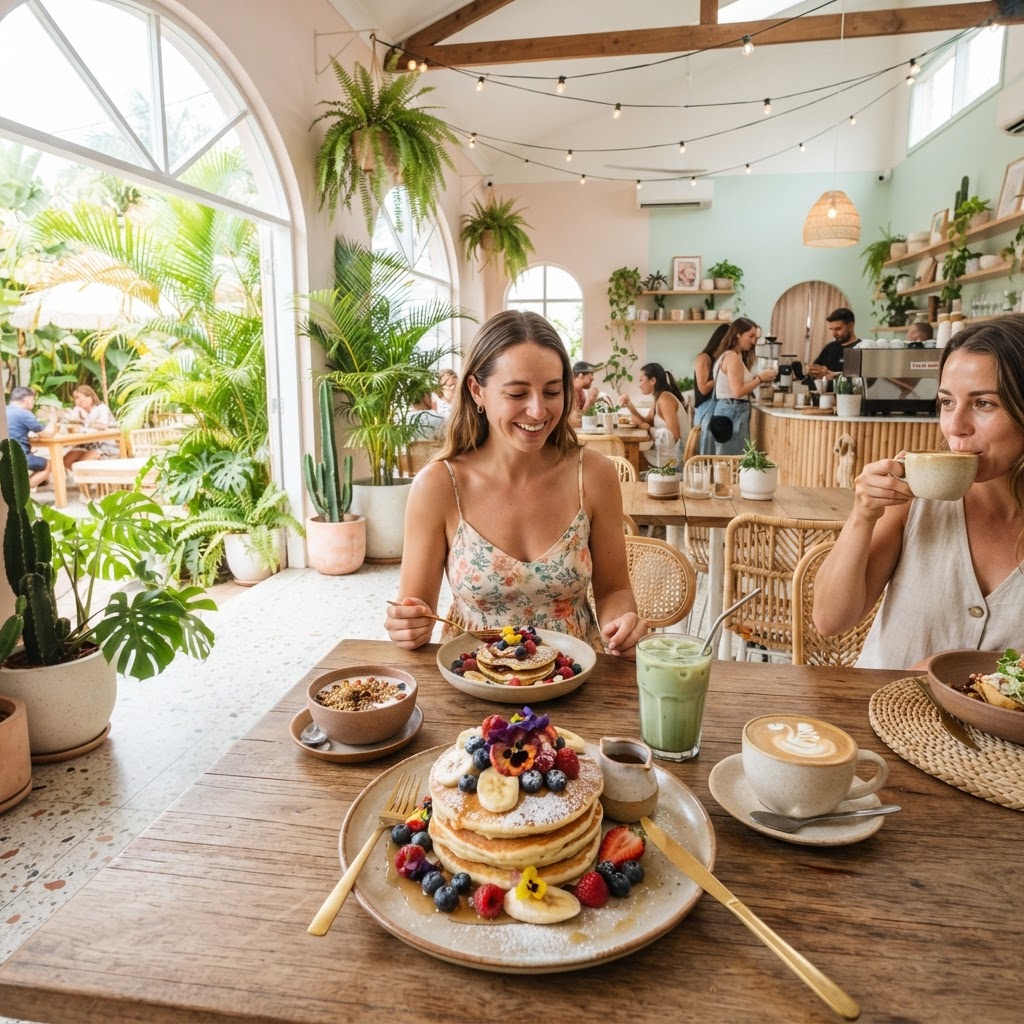
Coffee & Coconuts
Cornelis Troostplein 23, 1072 KW Amsterdam
Vendor ID:
6a9f090a2cc6fed4e58cda13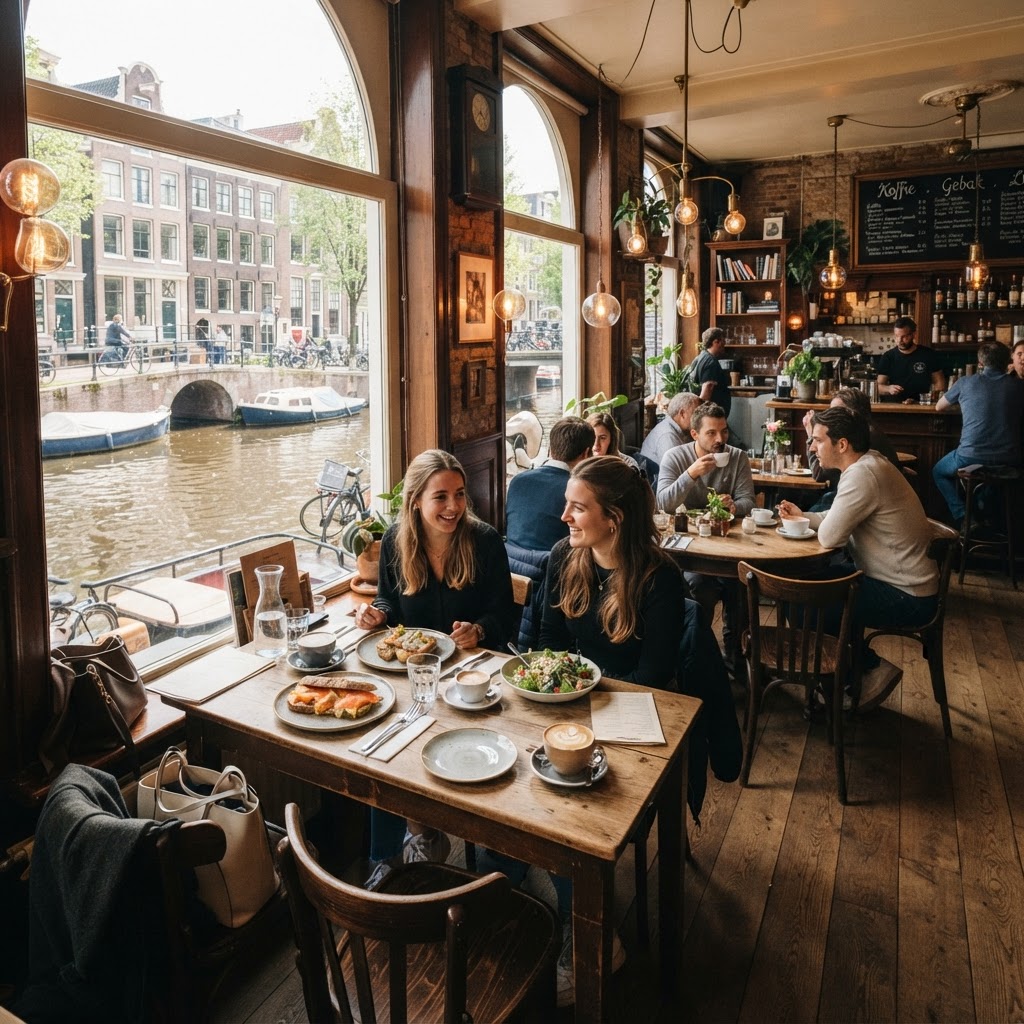
Café de Jaren
Nieuwe Doelenstraat 20, 1018 CP Amsterdam
Vendor ID:
6a9f090a2cc6fed4e58cda11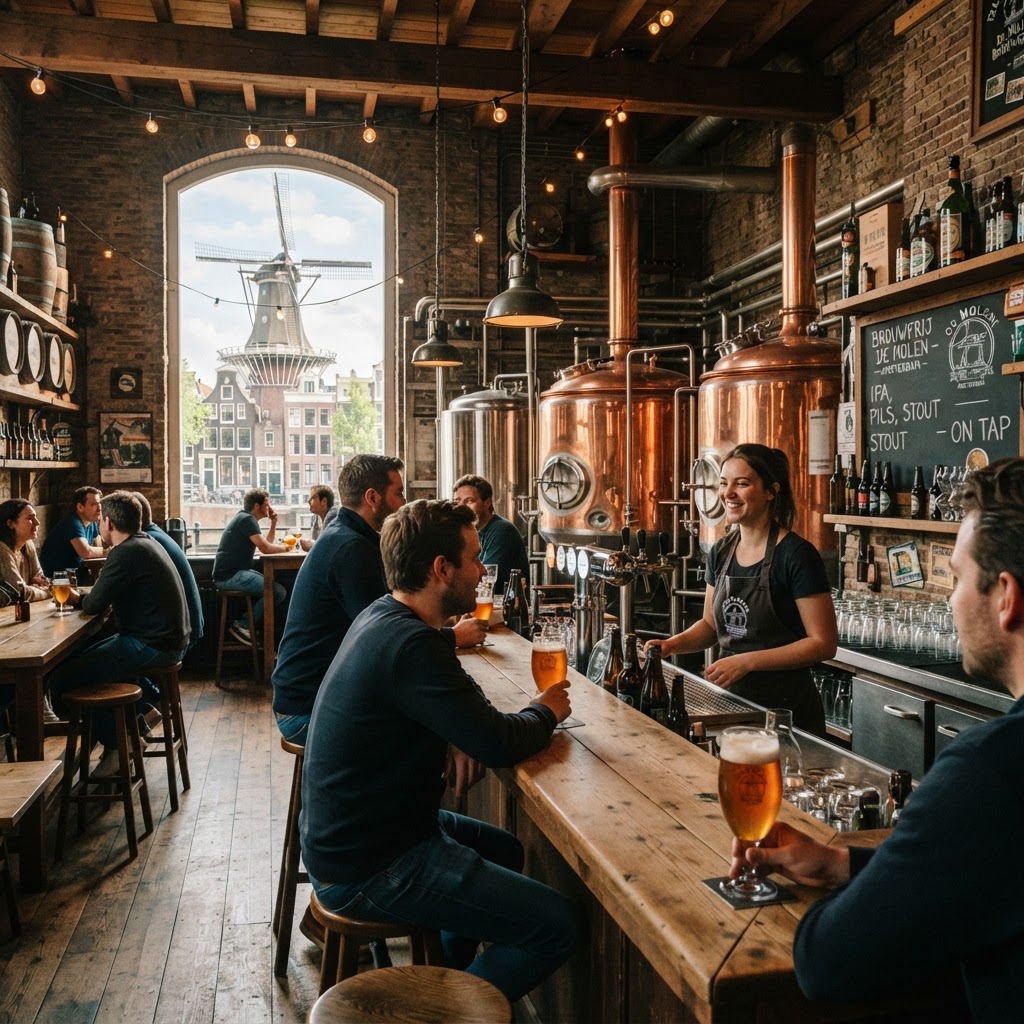
Brouwerij 't IJ
Funenkade 7, 1018 AL Amsterdam
Vendor ID:
6a9f090a2cc6fed4e58cda12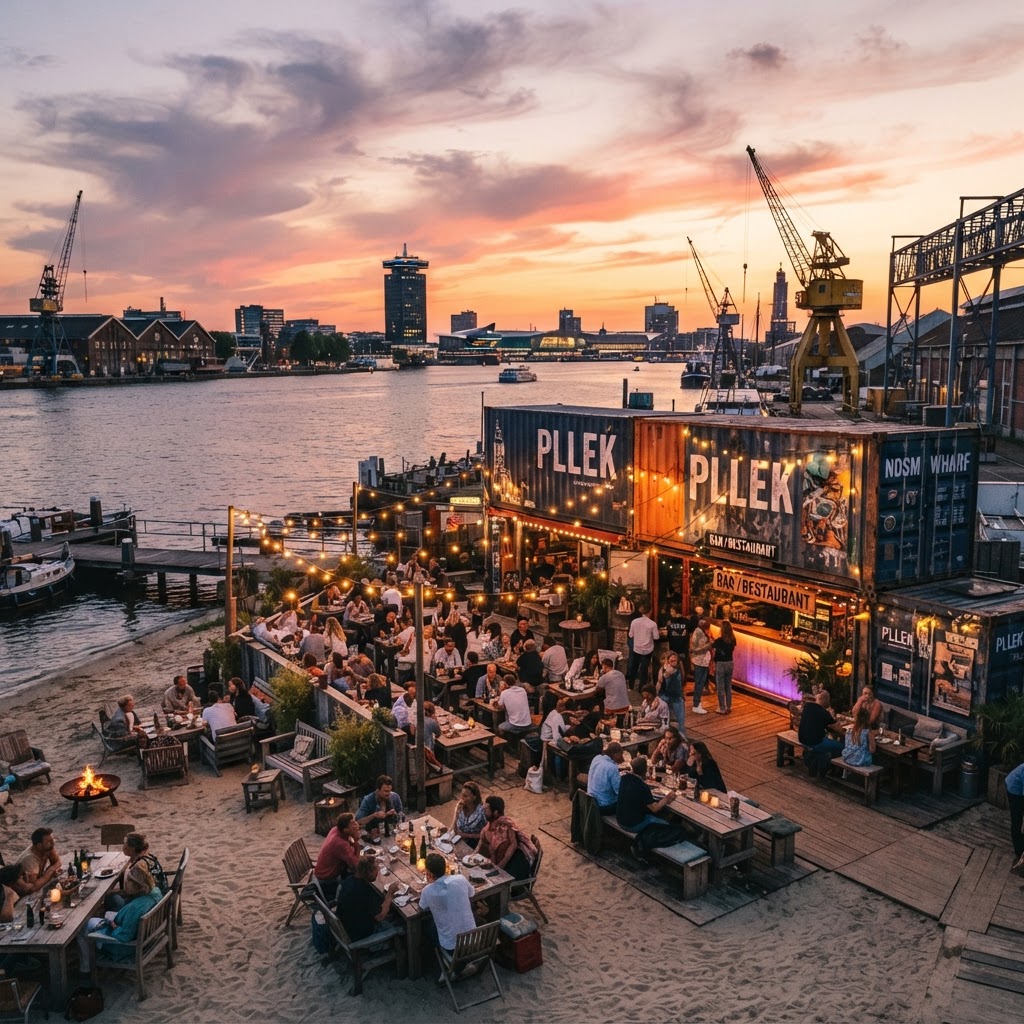
Pllek
NDSM-Plein 30, 1033 WB Amsterdam
Vendor ID:
6a9f090a2cc6fed4e58cda14
Studio 191
Polonceaustraat 4, 1052 AH Amsterdam
Vendor ID:
6a9f090a2cc6fed4e58cda15
The Brokers Bar
Amsterdam
Vendor ID:
6904e8b6eb3c840825433efb💡 Pro Tips:
- • Each vendor has a unique ID that connects it to its offers
- • You can create multiple offers for the same vendor using the same vendor ID
- • Make sure to copy the ID before going to create an offer
- • If you don't see a vendor here, create it first in Dashboard → Data → Vendor